Detailed comparison IL2CPP and Mono

Minh Khoa
Author
Detailed comparison IL2CPP and Mono in Unity: Which is the optimal “weapon” for your project?
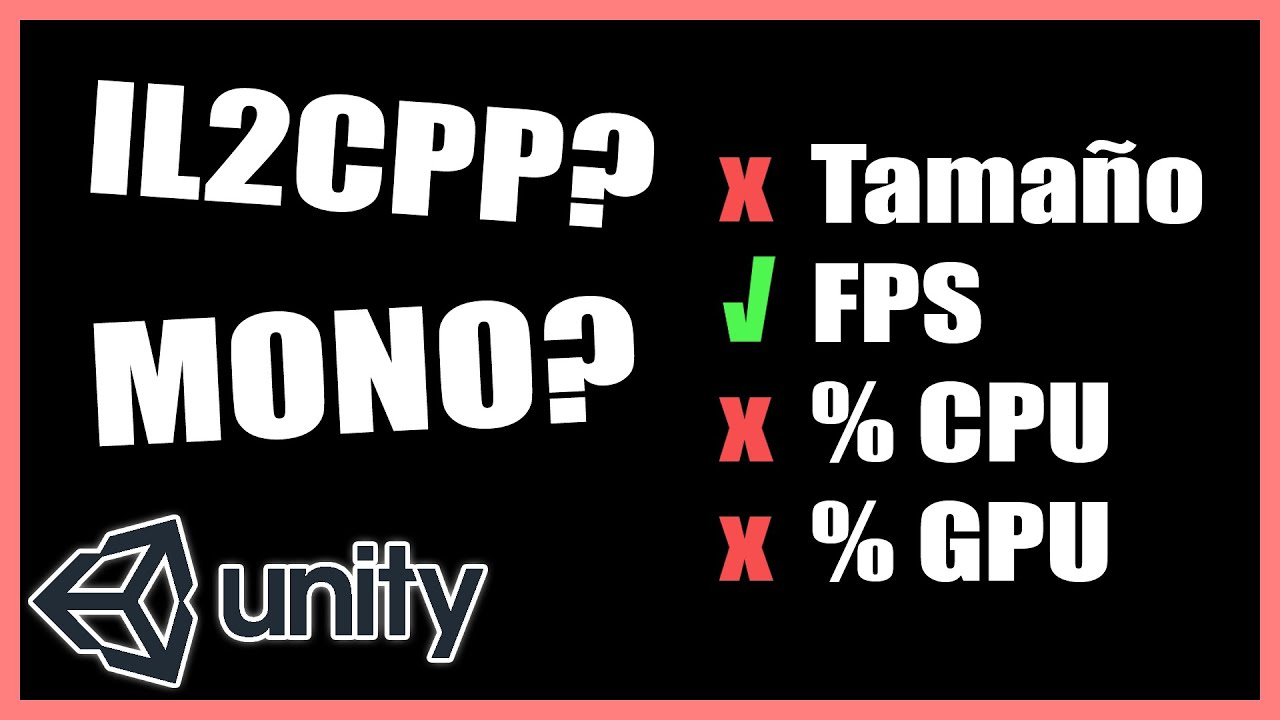 ## Introduction
In the process of developing games with Unity, choosing Scripting Backend (script backend) is an extremely important decision, directly affecting performance, build time, and the game’s security capabilities. Unity provides settings that support two main Scripting Backends: Mono and IL2CPP.
So what are these two technologies? How are they different? And which technology should you choose for your project? Let’s explore all the most important knowledge in this article!
1. What is the Scripting Backend in Unity?
When you write C code# in Unity, the device’s processor (CPU) will not directly understand and run that code. The Scripting Backend is the process of compiling your C code# into machine language (Native Code) so that devices (such as phones iOS/Androidand PC, Console) can read and run the game.
Unity provides two methods to do this: Mono and IL2CPP. Each method works in a completely different way.
2. Mono: The seasoned veteran
What is Mono?
Mono is an open-source project implementing the .NET Framework. It uses a compilation method JIT (Just-In-Time).
- First, your C code# will be compiled into an intermediate language called IL (Intermediate Language).
- When the game is running on the player’s device, the Mono virtual machine (Mono Virtual Machine) will compile IL code into the native machine language (Native Code) right while the game is running.
Advantages of Mono:
- Extremely fast build times: Very suitable during (Development) because you do not have to wait forever every time you press the Build button.
- Excellent Debug support (Debugging) superb: Helps developers easily inspect, set breakpoints, and track errors.
- Supports JIT dynamic compilation: Allows loading and executing dynamic code during runtime.
Disadvantages of Mono:
- Performance is not optimal: The device has to both run the game and spend additional resources CPU to translate code code (JIT)which makes the game prone to stuttering and lag if the number of calculations is large.
- Extremely low security: IL code is very easy to reverse engineer (decompile). Anyone using tools such as dnSpy or dotPeek can also read your entire source code and game logic in full, making it very easy to hack.
- Limited platform support: Not supported on platforms that prohibit compilers JIT such as iOS or WebGL.
3. IL2CPP: The power of modernity and security
IL2CPP what is it?
IL2CPP (Intermediate Language To C++) is a scripting backend system developed by Unity itself. Unlike Mono, it uses a compilation method AOT (Ahead-Of-Time).
- Like Mono, the C code# is initially compiled into intermediate IL code.
- But instead of running JITUnity uses a converter IL2CPP to translate that IL code into the C++.
- Finally, Unity uses the platform’s C compiler++ native (such as GCC, Clang, MSVC) to compile this amount of C code++ into binary machine code (native binary code). This is done 100% complete before the game is shipped.
Advantages of IL2CPP:
- Outstanding performance: The code runs extremely smoothly because everything has already been translated into machine language beforehand, GPU/CPU when the device downloads the game, it just needs to read it and run it immediately.
- Extremely solid security: C code++ after being turned into machine code, is almost impossible to reverse-engineer back into C# completely. This helps you absolutely protect intellectual property, proprietary algorithms, and effectively prevent cheating/hacking.
- Comprehensive cross-platform support: Supports every platform where Unity is available. In particular, it was created to be compatible with architectures CPU newer generations and is a mandatory requirement when you want to bring the game to App Store (iOS) or WebGL.
Disadvantages of IL2CPP:
- Very frustrating build time: Because it has to go through an extra step of converting to C++, and then to machine code, the game build time can be twice as long as Mono, and in most cases even three or four times as long.
- Hard to debug: Deep debugging to find errors becomes more difficult in the development environment compared to Mono.
- Build file size may be larger: Because it has to generate executable files for each separate target platform architecture (for example ARMv7 and ARM64).
4. Overall Comparison Table Mono vs IL2CPP
Mono
-
Compilation mechanism
JIT (Just-In-Time) – Compile at runtime. -
Build speed
Very fast ⚡ -
Game runtime performance
Average. -
Security level
Very poor 🔓 (C code# can be decompiled fairly easily). -
iOS / WebGL
❌ Not supported. -
Device support
Mainly older architectures (32-bit), some supported 64-bit. -
Usage stage
Usually used during Dev / Debug / Programming.
IL2CPP
-
Compilation mechanism
AOT (Ahead-Of-Time) – Compile before building the game. -
Build speed
Slow ⏳ (The build process consumes a lot of time and machine resources). -
Game runtime performance
Very good 🚀 -
Security level
Extremely high 🔒 (Much harder to decompile). -
iOS / WebGL
✅ Mandatory to use. -
Device support
Supports the latest standard architectures (Android 64-bit requirement IL2CPP). -
Usage stage
Used when Release / launching the game on the Store.
5. Choose Mono instead IL2CPP, or IL2CPP instead of Mono?
None of them is absolutely good or bad. The choice depends largely on the project's stage.
🛠 Use MONO when:
- The project is in the development stage (Development): When the code is not finished, you have to test continuously. Mono's extremely fast build speed will save you from waiting 10 minutes just to test a line of code that changes a character's color.
- The programmer needs to debug frequently: It is much easier to catch errors.
- The game depends heavily on modding: If the game lets users customize (like Minecraft mods and the like), JIT Mono's compiler is more suitable for later dynamic code loading.
🚀 Move on to IL2CPP when:
- Preparing to launch Alpha, Beta, and Release versions: Before bringing the game to CH Play or the App Store, it is mandatory to switch to IL2CPPto help the game run at maximum speed and, more importantly... to quietly hide the team's painstaking codebase.
- Targeting Android 64-bit / Google Play Store: Google Play now requires every application to have a 64-bit. Mono does not support this well. IL2CPP + checking the architecture box ARM64 is a mandatory requirement.
- Targeting Apple iOS / WebGL: Apple blocks all apps with JIT compile. Only IL2CPP can get through this loophole in a legitimate and proper way.
Conclusion
To simplify everything for your game-making journey, remember this mantra:
"Use Mono to build and test (Build fast, fail fast) – Use IL2CPP to optimize and release (Play fast, stay safe)".
Switching flexibly between these two backends will maximize the advantages of Unity. Wishing you and your team success in quickly conquering new heights! Good luck getting onto the Store successfully! 🎮✨